











How to Check a Used Laptop Before Buying in Bangladesh (12-Point Checklist)

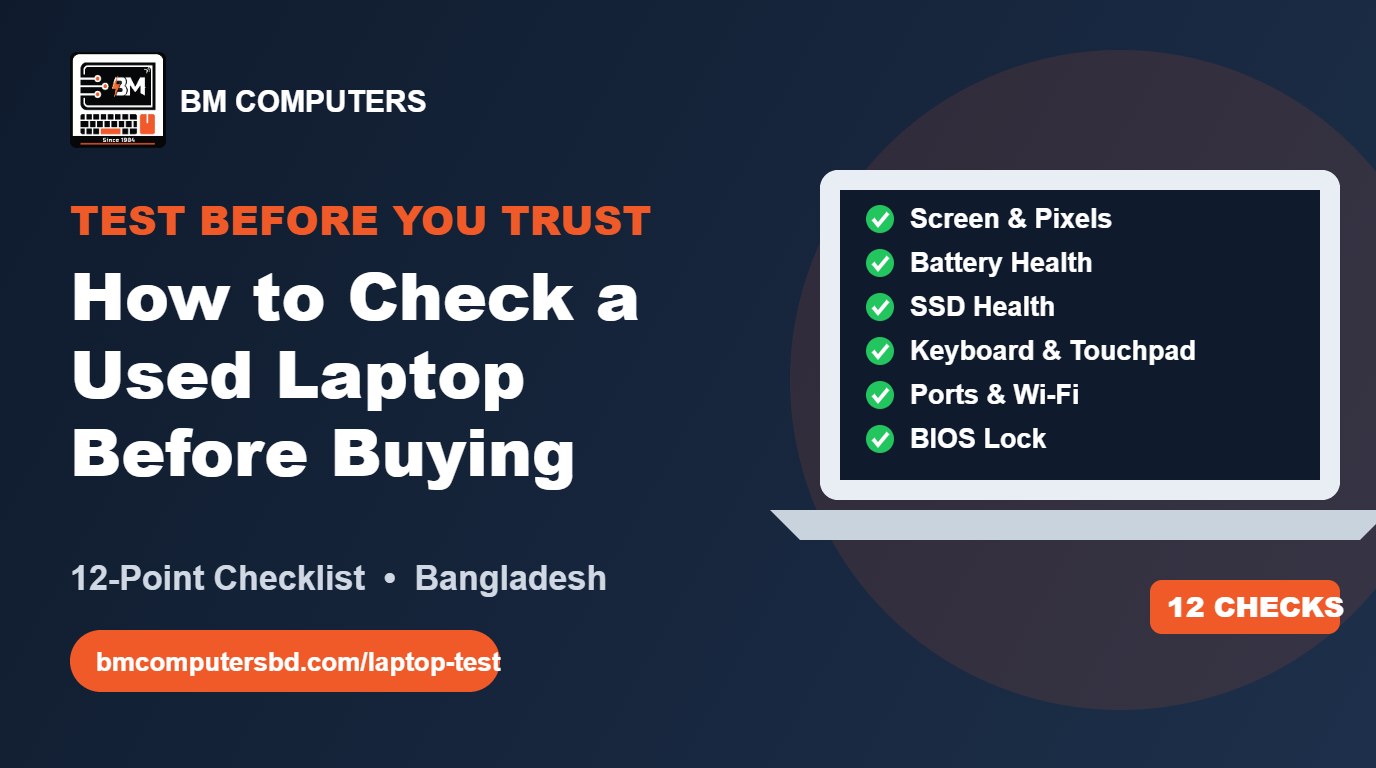
Quick answer: Before you buy a used laptop in Bangladesh, check 12 things: the body and hinges, the screen, keyboard and touchpad, battery health, SSD health, that the processor and RAM match what the seller says, all ports, Wi-Fi and Bluetooth, webcam, mic and speakers, the charger, BIOS and Windows locks, and heat under load. Most of these take 15–20 minutes and need no special tools. You can run the screen, keyboard, speaker, mic and webcam checks for free on our online laptop test page.
A used business laptop (HP EliteBook, Lenovo ThinkPad, Dell Latitude or a MacBook) can give you years of work for half the price of a new one – but only if you check it properly before paying. This checklist is what our own technicians look at, written so that anyone can follow it.
Why you should always check a used laptop before buying
Two laptops with the same model name can be in very different condition. One may have a healthy battery and SSD; the other may have a tired battery, a weak hinge or a locked BIOS. Photos and a spec list will not show you this. A short hands-on check will. That is why at BM Computers we say “Test Before You Trust”.
12-point used laptop checklist
1. Body, hinges and screws
Look for cracks around the hinges, the corners and the charging port. Open and close the lid several times – it should move smoothly and stay where you leave it. Check that no screws are missing on the bottom panel. Small scratches are normal on a used laptop; cracks and a loose hinge are not.
2. Screen: dead pixels, lines and brightness
Show plain white, black, red, green and blue colours in full screen and look closely for dead or stuck pixels, lines, yellow patches and light leaking from the edges. Turn the brightness to maximum and minimum. Our free laptop test has a full-screen colour test you can open on any laptop.
3. Keyboard and touchpad
Type every key, including Fn keys, arrows and the number row – a keyboard tester shows you instantly if any key is not working. Check the keyboard backlight if the model has one. On the touchpad, test left click, right click, two-finger scroll and zoom.
4. Battery health
On Windows, open Command Prompt and type powercfg /batteryreport. Open the report it creates and compare Design Capacity with Full Charge Capacity. The closer they are, the healthier the battery. Also unplug the charger for a few minutes and watch how fast the percentage drops. On a MacBook, go to System Settings → Battery → Battery Health.
5. SSD / storage health
Install a free tool such as CrystalDiskInfo and check that the drive shows “Good”. Also confirm the storage size (256GB, 512GB etc.) is what you were promised. An SSD makes a huge difference to speed – avoid laptops that still use an old hard disk unless the price is very low.
6. Processor, generation and RAM
Press Windows + Pause/Break or open Settings → System → About to see the exact processor (for example Core i5 8th Gen vs 11th Gen) and the installed RAM. Make sure they match the ad or price tag. The generation matters as much as “i5” or “i7”.
7. All ports and charging
Plug a pen drive into every USB port, test HDMI with a monitor or TV if possible, try the headphone jack, and charge the laptop through its charging port (or USB-C). Wiggle the charger gently – charging should not stop and start.
8. Wi-Fi and Bluetooth
Connect to Wi-Fi, open a website or YouTube, and make sure the connection stays stable. Turn on Bluetooth and check that it can find your phone.
9. Webcam, microphone and speakers
Open the Camera app, record a short voice note and play music at full volume. Listen for crackling sound from the speakers. If you take online classes or client calls, this check is very important. The online test page can check the webcam, mic and speakers in one place.
10. Charger (adapter)
Check that the charger is the right wattage for the laptop (it is printed on the adapter) and that the laptop shows “charging” when connected. A wrong or weak charger can charge very slowly or not at all.
11. BIOS password, Computrace and Windows
Restart the laptop and open the BIOS (usually F1, F2, F10 or Del). It should open without asking for a password. Many ex-corporate laptops in Bangladesh come from companies abroad, so a locked BIOS is a real risk. Also check that Windows starts normally and that Windows Update works.
12. Heat and fan under load
Play a 1080p YouTube video or run a few heavy apps for 10 minutes. The bottom will get warm, but the laptop should not slow down badly, shut down or make a loud grinding fan noise.
Quick checklist summary
| What to check | How to check | Good sign |
|---|---|---|
| Body and hinges | Open/close lid, look at corners | No cracks, hinge holds the screen |
| Screen | Full-screen colour test | No dead pixels, lines or patches |
| Keyboard and touchpad | Keyboard tester, test clicks and scroll | Every key and gesture works |
| Battery | powercfg /batteryreport | Full charge capacity close to design capacity |
| SSD | CrystalDiskInfo | Health shows “Good” |
| CPU and RAM | Settings → System → About | Matches the price tag |
| Ports | USB, HDMI, audio, charging | All work, charging is stable |
| Wi-Fi and Bluetooth | Connect and stream | Stable connection |
| Camera, mic, speakers | Camera app, voice recorder, music | Clear picture and sound |
| Charger | Check wattage label | Correct wattage, shows “charging” |
| BIOS and Windows | Open BIOS, run Windows Update | No password, Windows works |
| Heat | 10 minutes of load | No shutdown or loud grinding |
Red flags: walk away if you see these
- The seller will not let you test the laptop before paying
- BIOS asks for a password you were not given
- The processor or RAM is different from what was advertised
- Lines on the screen, or the screen flickers when you move the lid
- No warranty or replacement guarantee at all
How BM Computers makes it easy
Every laptop at BM Computers is tested before it goes on display, and you are always welcome to run this checklist yourself:
- Test in our showroom: Dhaka – Dewan Market, Shop #15, 2nd Floor, Mirpur-10. Khulna – Jalil Tower, Shop #329, 2nd Floor, 77 Lower Jessore Road.
- Courier anywhere in Bangladesh: pay a 510 taka advance booking (adjusted against the laptop price), check the laptop when the courier delivers it, then pay the rest.
- After you buy: 30-day replacement guarantee, 10-year free service warranty (parts not included) and 70% cash refund if returned within 15 days. Conditions apply – please read our warranty and returns policy.
Not sure which model to choose? Read our guides on the best used laptop for freelancing in Bangladesh and HP EliteBook vs Lenovo ThinkPad, or browse laptops in stock now.
Frequently asked questions
How long does it take to check a used laptop?
Answer: About 15–20 minutes is enough for all 12 checks. The screen, keyboard, webcam, mic and speaker tests take only a few minutes on our free online laptop test page.
How do I check battery health on a used laptop?
Answer: On Windows, open Command Prompt, type powercfg /batteryreport and compare Design Capacity with Full Charge Capacity in the report. On a MacBook, open System Settings → Battery → Battery Health.
Can I check a laptop if I order by courier?
Answer: Yes. At BM Computers you pay a 510 taka advance booking, check the laptop when the courier delivers it, and then pay the rest of the price. The advance is adjusted against the laptop price.
What is the most important thing to check on a used laptop?
Answer: Check the screen, battery health, SSD health and that there is no BIOS password. These are the most expensive problems to fix later.
Which used laptop brands are best in Bangladesh?
Answer: Business series laptops such as HP EliteBook, Lenovo ThinkPad and Dell Latitude are the most reliable used laptops because they are built for long daily use. MacBooks are also a good choice if you prefer macOS.
Want to test a laptop today? WhatsApp our Dhaka showroom at 01966-000225 or our Khulna showroom at 01966-000226 and tell us your budget.